
Back to Products

Console Table 3D Model

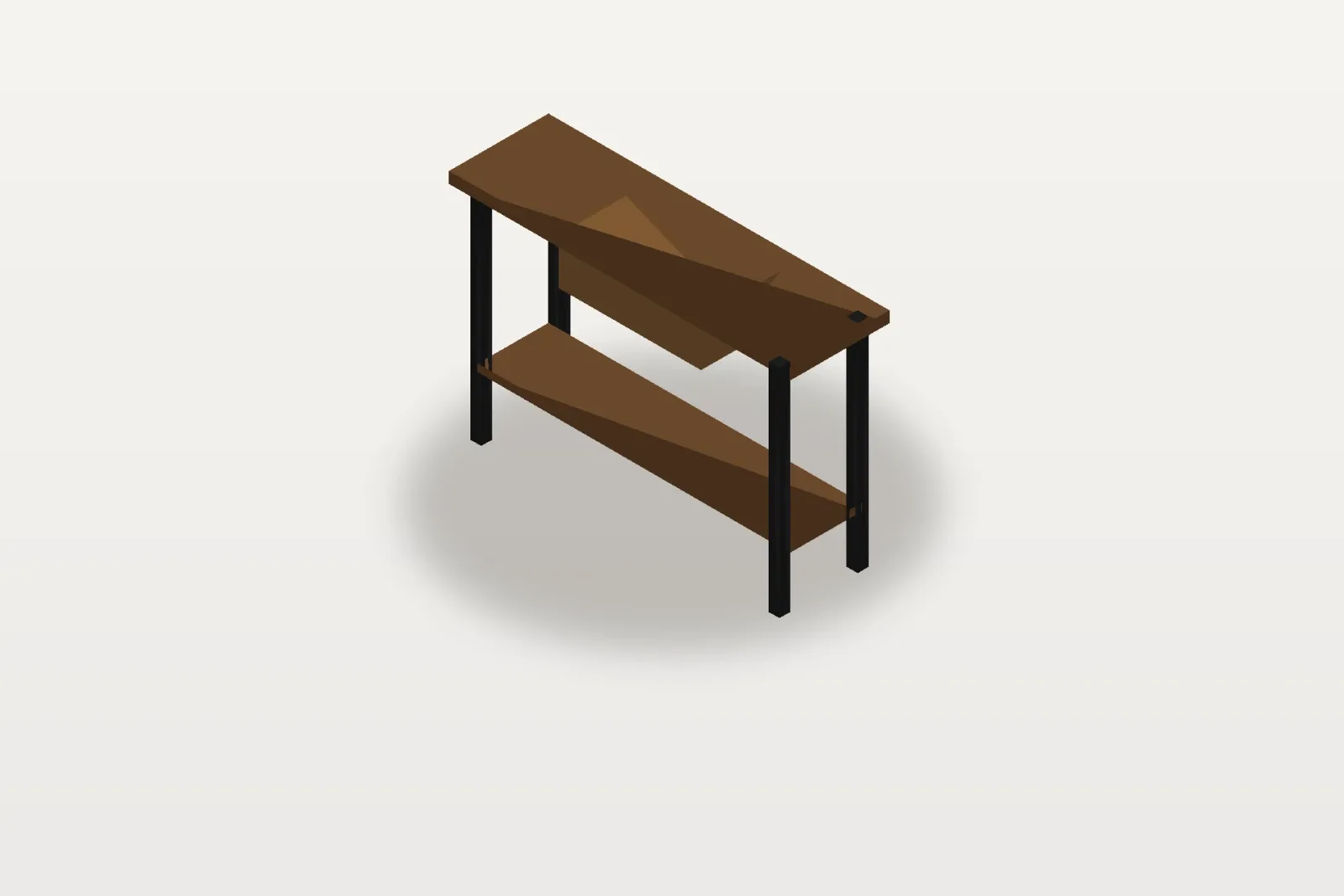
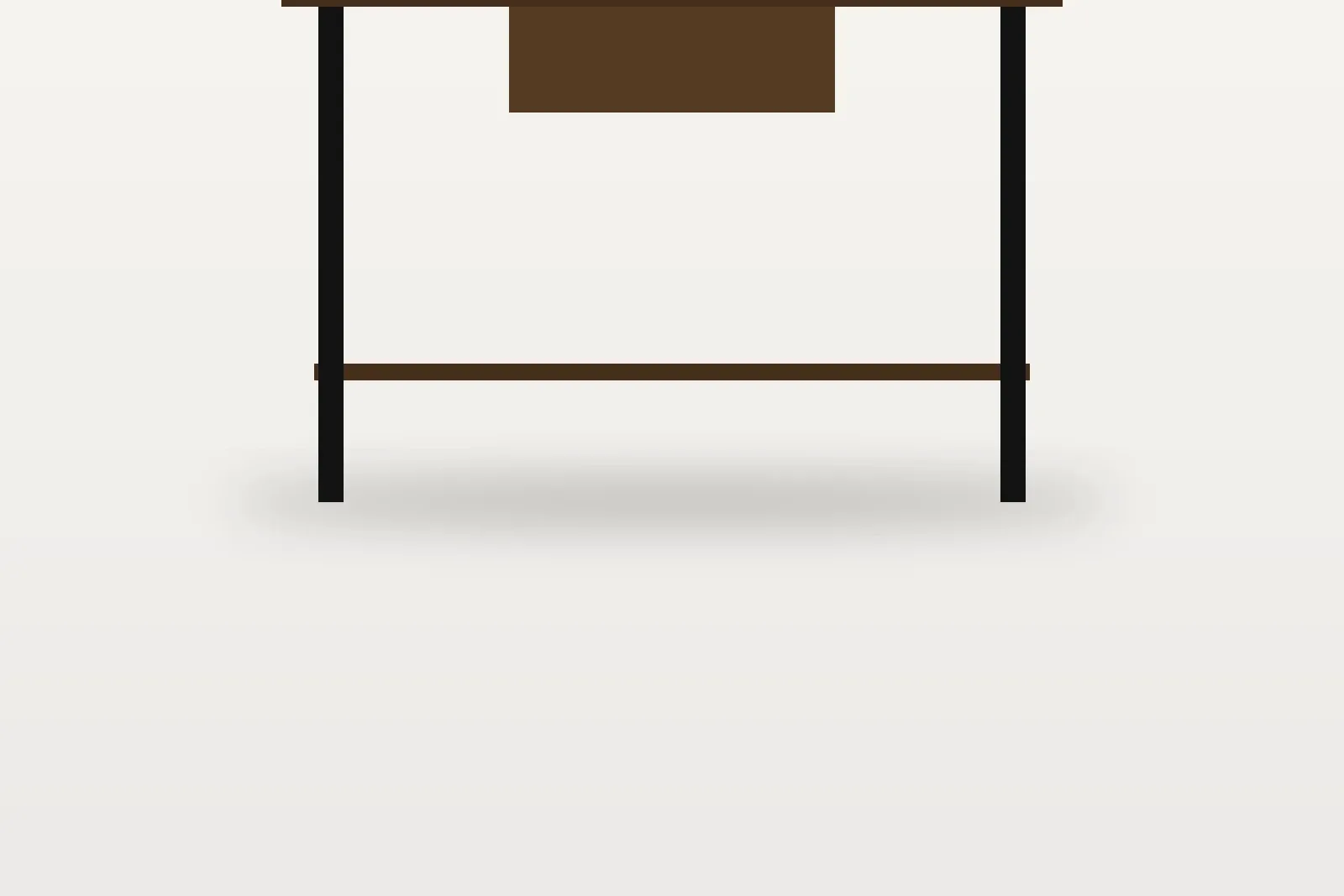
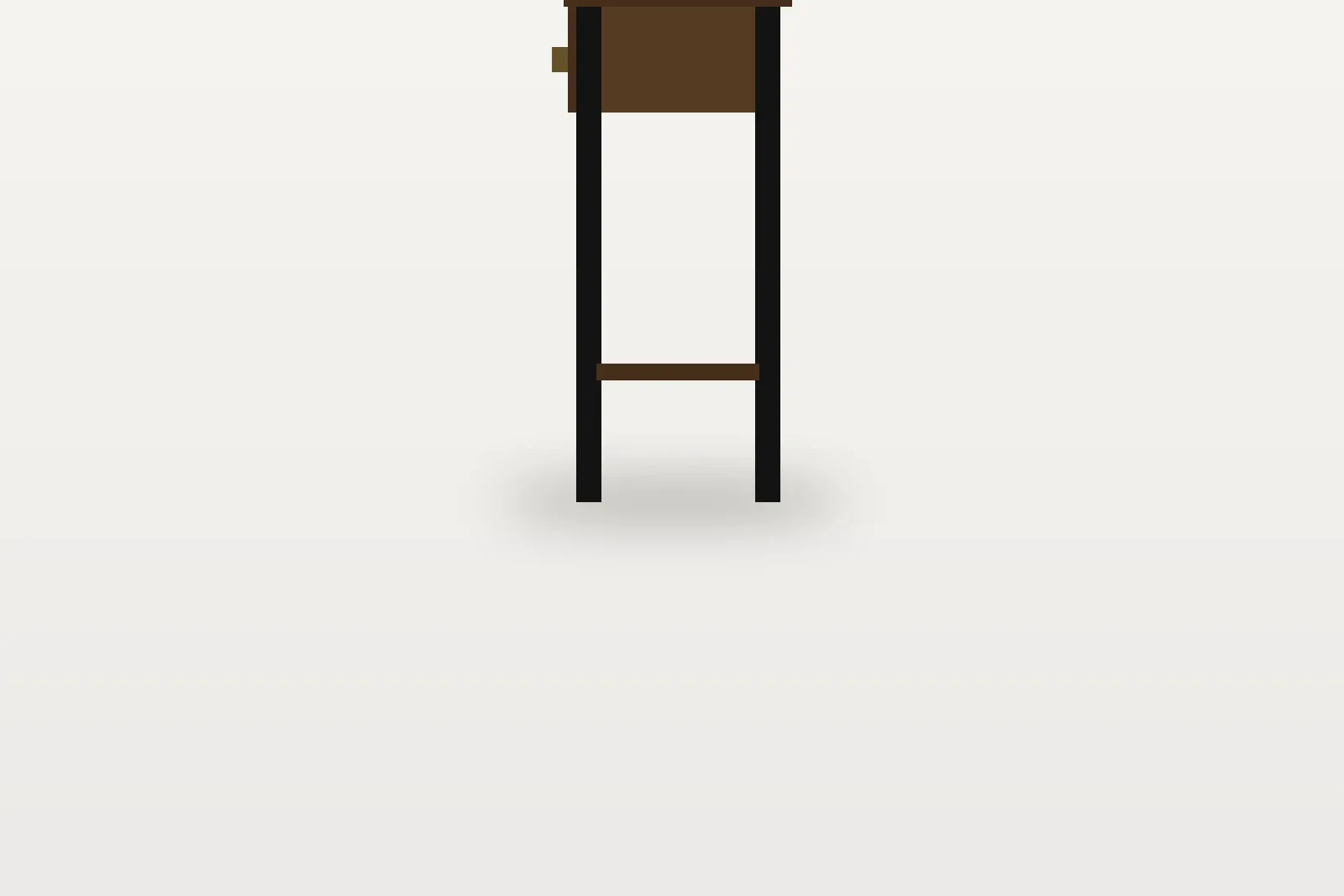
A slim walnut console table with a lower shelf and a drawer, made as a free sketchup console table model for entryways and hallways. It has a warm wood top, black metal legs and a handy drawer for keys and mail. Free download, free for commercial use. OBJ + GLB in one zip, imports into SketchUp Pro.

Interiors 1 downloads 11 files • 3 KB
$0.00 $0.00

One-time payment • Lifetime access • Commercial license included

Digital Delivery

Download File

Links can include Google Drive, Mega, Dropbox, or direct files.

Specifications

Dimensions 48.0 x 14.7 x 32.0 in (W x D x H)
Parts 9 parts
Faces 108 faces
Formats OBJ + GLB
File Size 3 KB
File Count 11 files
SketchUp Version SketchUp 2021+
Category Interiors
Downloads 1
License Commercial

Quick answer

Console Table 3D Model is a free 3D model from SketchUp Collection. Download the ZIP file instantly with no credit card required, import it into SketchUp, and use it in your projects with the included commercial license. The download is 3 KB. It works with SketchUp 2021+.

Frequently Asked Questions

Is Console Table 3D Model free?
Yes, Console Table 3D Model is free to download from SketchUp Collection. No credit card is required, and you can use it in your projects with the included commercial license.
What file formats are included in Console Table 3D Model?
The download is a ZIP file with OBJ + GLB files. Open the OBJ file in SketchUp Pro with File, Import, or use the GLB version in any viewer or tool that opens GLB files.
Can I use Console Table 3D Model in commercial projects?
Yes. Every model and bundle from SketchUp Collection includes a commercial license, so you can use it in client work and commercial projects. Redistribution or resale of the raw files is not allowed.
How do I import Console Table 3D Model into SketchUp?
Download the ZIP and unzip it. In SketchUp Pro, use File, Import, choose the OBJ file, and set the import units to inches if your template is architectural. Then make it a component and save it into your own library, so it is one click away next time.
Which SketchUp version do I need for Console Table 3D Model?
This model lists SketchUp 2021+. Our models are saved in widely compatible SketchUp formats, and each product page lists the exact version, so check the specifications before you download.

About This Model

This console table is a slim hallway piece with a solid walnut top, a lower shelf and a single drawer. It fits behind a sofa, against an entryway wall or in a narrow hall, and the drawer keeps keys, mail and small items out of sight. Formats included: OBJ and GLB in one zip; OBJ imports directly into SketchUp Pro (File > Import). Specifications: Overall size: 48.0 x 14.7 x 32.0 in; 9 named parts: Top, Leg FL, Leg FR, Leg BL, Leg BR, Shelf, Drawer, Drawer Front, Knob; Lightweight: 108 faces total, will not slow a scene; Real-world scale (meters in file, built to inch dimensions); Colors/materials named per part so you can repaint single parts. Free download from SketchUp Collection. Free for personal and commercial use in client projects.

How to Import into SketchUp

  1. 1 Download the zip and unzip it. You get an OBJ file with its materials, plus a GLB version.
  2. 2 In SketchUp Pro, use File, Import, choose the OBJ file, and set the import units to inches if your template is architectural.
  3. 3 Make it a component and save it into your own library, so it is one click away next time.

Reviews

No reviews yet. Be the first to review this product.

Leave a review

Share your experience with this product.

Why Choose This Product?

Instant Download

Get immediate access via Google Drive or Dropbox

Commercial License

Use in client projects without restrictions

Lifetime Access

Download anytime, even after updates