Our Blog
Tips, tutorials, and insights about 3D design, SketchUp, and interior design trends.
Showing 0-0 of 0 posts
Does Enscape Render Directly Inside Revit and SketchUp?
Yes. Enscape is a real-time plugin that renders directly inside Revit and SketchUp, with no export step. Here is how it works in each program and what you need.

SketchUp Textures Guide: Materials vs Model Detail
Textures or geometry? This SketchUp textures guide shows when a material does the job, when real edges are needed, and how to balance both for faster, realistic renders.

Modern Sofa SketchUp Model Guide: Pick, Place and Render
Learn how to pick the right modern sofa SketchUp model, size it for your room, place it well, and render it so your living room looks designed, not assembled.
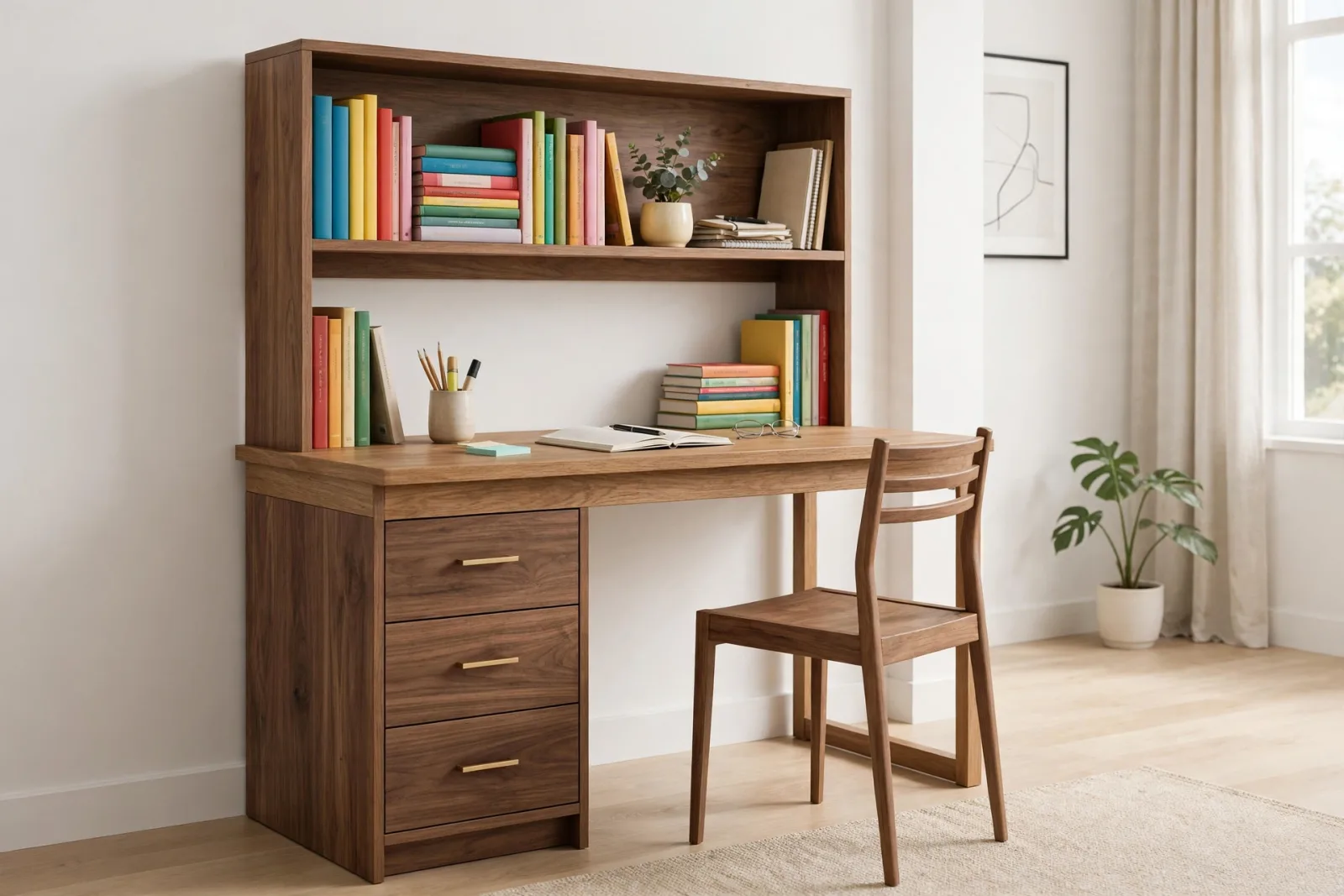
SketchUp Models for Students: Free and Budget-Friendly Options That Actually Work
Free and budget SketchUp models for students: clean, render-ready furniture, how to keep files light on a laptop, and a starter kit for under $50.

SketchUp Models for Architects: Presentation-Ready Assets That Win Clients
Presentation-ready SketchUp models for architects: what to check before downloading, which room sets win clients, and a workflow that takes a scene from concept to meeting.

SketchUp Interior Scene: Build a Complete Room in Hours, Not Days
Learn how to build a complete SketchUp interior scene fast: real-dimension shell, matched room bundles, layered lighting and decor, plus a render-ready checklist.

How to Organize Your SketchUp Library: A Folder System That Saves Hours
A practical folder system to organize SketchUp library files: naming, cleanup, components, and a 15-minute weekly routine that keeps every model findable.

SketchUp Components vs Groups: When to Use Each
Confused by SketchUp components vs groups? Learn when to use each, with real interior examples, so repeated furniture stays easy to edit and your files stay light.

Free vs Premium SketchUp Models: Quality, Licensing, and Time Cost Compared
Free vs premium SketchUp models compared on quality, licensing, time cost, and render readiness, so you know when free is smart and when paid pays for itself.

SketchUp Models for Enscape: A Practical Guide to Real-Time Renders
Learn how to choose and prepare SketchUp models for Enscape: clean geometry, correct scale, real-time materials, and lighting that make walkthroughs look professional.

SketchUp Models for V-Ray: A Render-Ready Materials Checklist
Choose SketchUp models for V-Ray that actually render well. This checklist covers geometry, scale, materials, textures, proxies, and lighting so your next render looks realistic.

How to Reduce SketchUp File Size: A Practical Cleanup Guide
Learn how to reduce SketchUp file size with purging, lighter components, smaller textures, and clean imports, so large models orbit smoothly again.