Free SketchUp Models: Download 3D Models for Interiors, No Catch
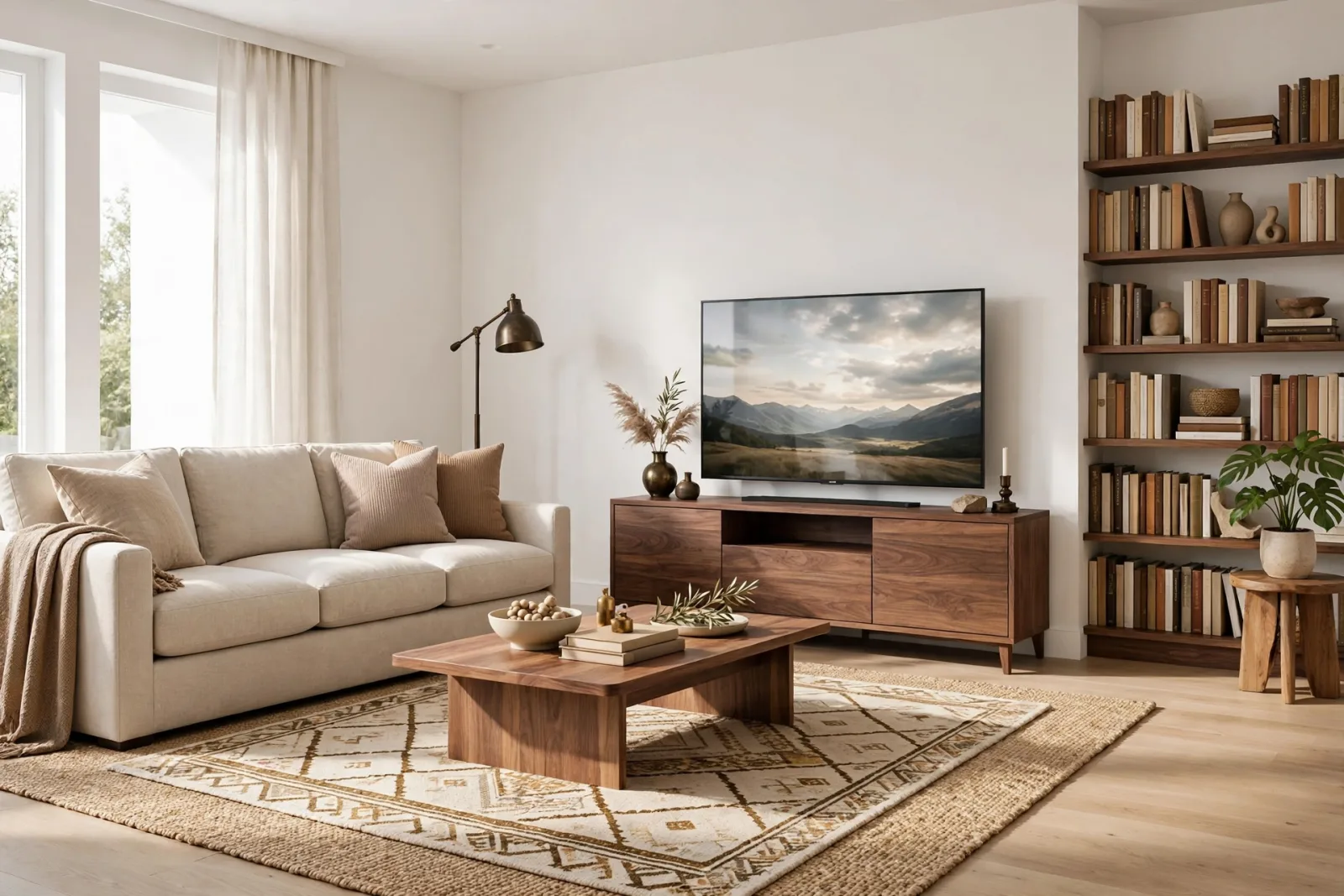
Search for free SketchUp models and you will find thousands of downloads. The problem is not finding them, it is trusting them. Half arrive at the wrong scale, a quarter are so heavy they freeze your scene, and the license on most is a shrug. A free model that costs you an afternoon is not free.
That is why we opened a Free Assets category on SketchUp Collection: a small set of our own store models, given away with the same quality bar as the paid ones. Correct real-world scale, low face counts, named parts, materials ready to render, and a commercial license in plain English. No checkout, no account, no email wall. This post introduces the six models in the collection, what to check in any free download, and when paying for a model is genuinely the cheaper option.
The Free Collection
Every model below is a real product from our store, listed at $0 with an instant download button on its page. They import into SketchUp Pro as OBJ (with materials) plus GLB, in a single zip.
Free Accent Armchair
The hero piece of the set: a compact accent armchair in deep teal with cream cushions and walnut legs. Armchairs are where free models usually fall apart, with blobby cushions and reversed faces. This one is clean, light, and sized like a real reading chair. Get it here: Free Accent Armchair 3D Model.
Free Table Lamp and Free Floor Lamp
Lighting models do double duty: they furnish a scene and they tell the renderer where the light story is. The Free Table Lamp is a small ceramic lamp in warm clay made for nightstands and desks. The Free Floor Lamp stands 66.5 inches tall with a black disc base, brass pole and cream drum shade, the right proportions for living room corners and reading chairs.
Free Wall Art Frames Set
Bare walls are the fastest giveaway of an unfinished render. This gallery wall set has four walnut frames in mixed sizes arranged on one wall plane, so the whole composition drops onto a wall in seconds and instantly makes a room feel lived in.
Free Plant Pots Set
Greenery softens interiors like nothing else, and it is also where face counts explode. This set of four potted plants keeps the foliage light and stylised: terracotta, white, charcoal and slate-blue pots at varied heights for a natural grouped look on floors, shelves and consoles.
Free Side Table Pair
A matched pair of round side tables with walnut tops on slim black pedestal bases. Use them beside a sofa, as bedside tables, or split the pair across a scene. Download the Free Side Table Pair.
How to Download and Use Them
- Open the model page and click the free download button. The zip saves immediately, no checkout.
- Unzip it. You get an OBJ with its material file and a GLB version.
- In SketchUp Pro, use File, Import, choose the OBJ, and set the import units to inches if your template is architectural.
- Explode once if you need to edit parts, then make it a component and save it into your local library so it is one click away next time.
All six models are free for personal and commercial use, the same license as our paid library. Use them in client renders, student projects and competition boards without attribution.
What to Check in Any Free SketchUp Model
Whether you download from us or anywhere else, run this two-minute check before a free model joins your library:
- Scale. Measure it with the Tape Measure tool against a known object. A chair seat should be about 18 inches high.
- Face count. Open Model Info, Statistics. Everyday furniture should sit between a few hundred and a few thousand faces. Anything with six figures needs a very good reason.
- Back faces. Switch to Monochrome view. Blue-grey faces showing outward mean reversed faces that will render badly.
- Outliner hygiene. Named components are a sign of a model built by someone who cared. A single lump named Group2941 is not.
- License. Free to download is not the same as free to use commercially. Look for the words, in writing, on the page.
Free vs Premium: When Is Paying Worth It?
Free models are perfect for filling backgrounds, testing a library workflow and learning what good geometry looks like. Premium models earn their price in three situations. First, hero pieces near the camera, where a dressed bed or a detailed sofa set carries the whole render. Second, matched room sets: a complete living room set in one consistent style saves hours of hunting and recoloring individual downloads. Third, deadline work, where a model that imports correctly the first time is worth more than an evening of repairs. Our furniture collection and room bundles are built for exactly those cases, and the free assets on this page are the honest sample of that quality.
Frequently Asked Questions
Are these SketchUp models really free?
Yes. The six models in the Free Assets category are $0 with an instant download, no checkout, no account and no email required. They are free for personal and commercial use.
What format are the free models?
Each download is a zip with an OBJ file (plus its materials) and a GLB version. The OBJ imports directly into SketchUp Pro, where you can save it into your own component library.
Will free models slow down my SketchUp file?
Not these ones. They are built with the same low face counts as our paid models, a few hundred to a few thousand faces each, so you can copy them around a room freely. Always check face counts on free models from other sources, since heavy geometry is the most common hidden cost.
Start Your Library Today
Head to the Free Assets category, grab the armchair and the lamps first, and drop them into your current project. Two minutes of checking against the list above will show you the difference a clean model makes. When a project needs the full room, the paid sets are waiting, and you will already know exactly what quality to expect.
Written by
Admin User
Related Articles
Keep learning with these posts
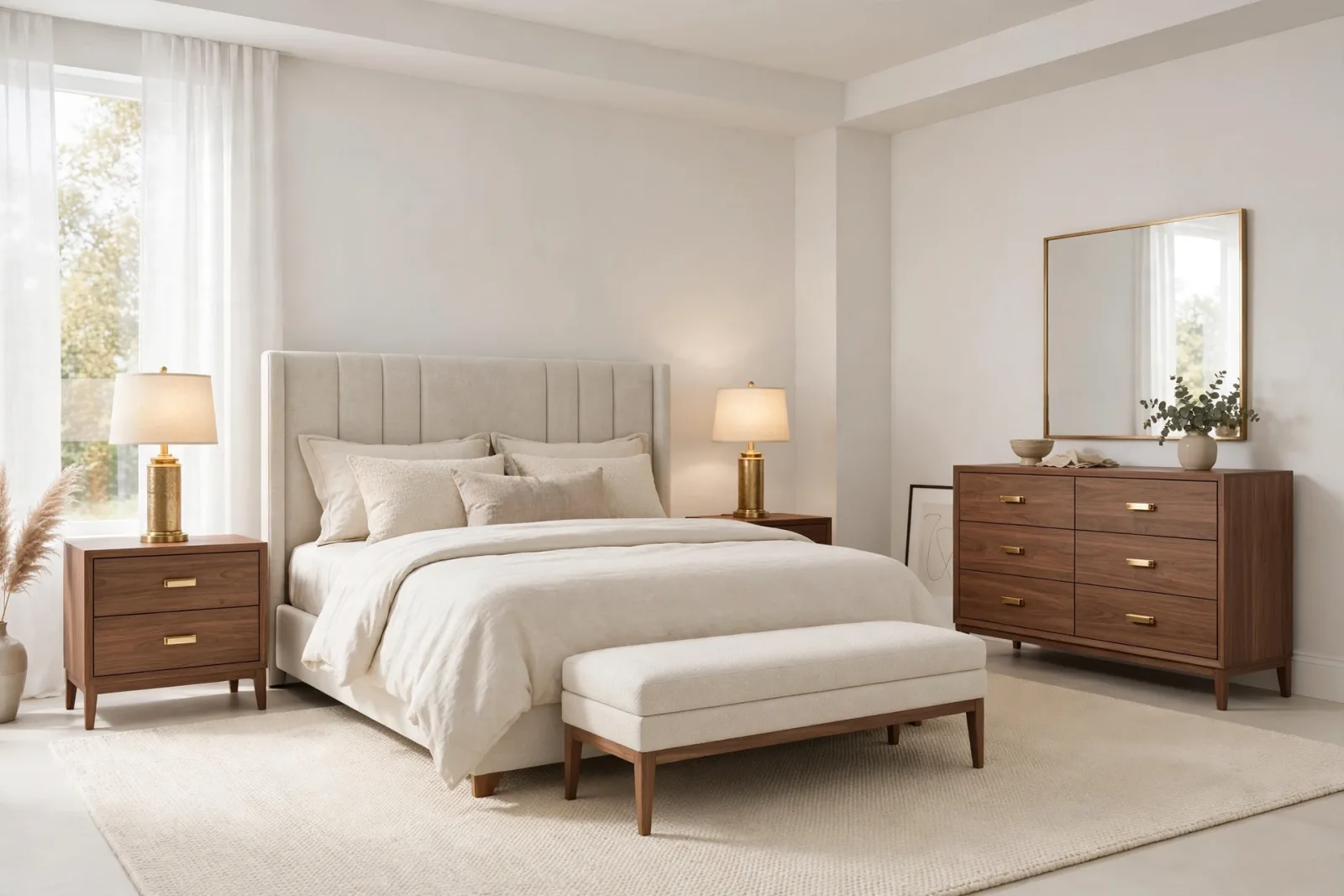
SketchUp Bedroom Models: Build Render-Ready Bedrooms Faster
A practical guide to SketchUp bedroom models: which beds, wardrobes and nightstands render well, plus a workflow for building complete bedroom scenes that stay fast.
Read article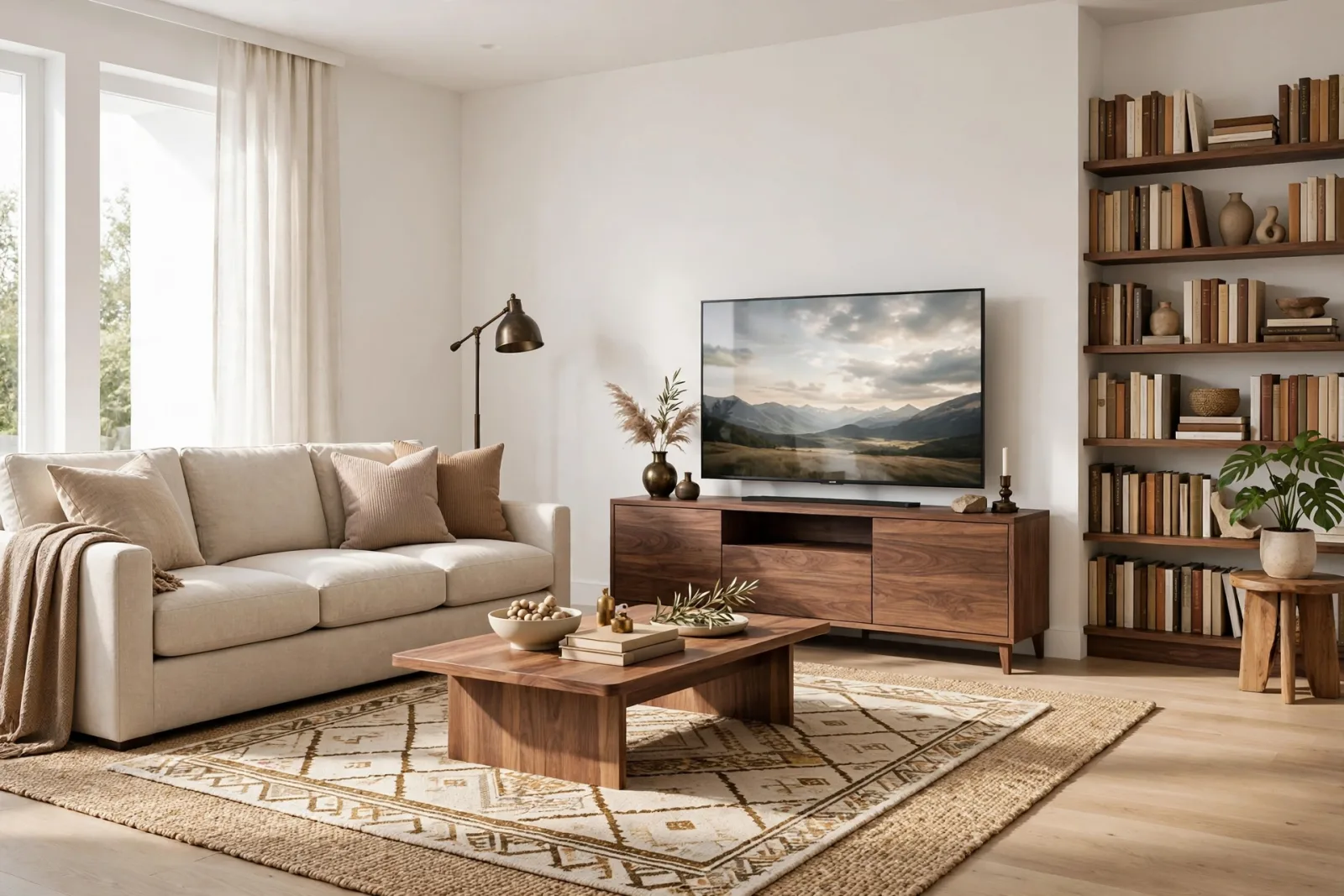
Best SketchUp Furniture Models: A Practical Guide to Furnishing Interiors Fast
What makes a SketchUp furniture model worth using: real scale, sane face counts, named parts and render-ready materials, plus the categories that cover most interiors.
Read article