Modern Sofa SketchUp Model Guide: Pick, Place and Render
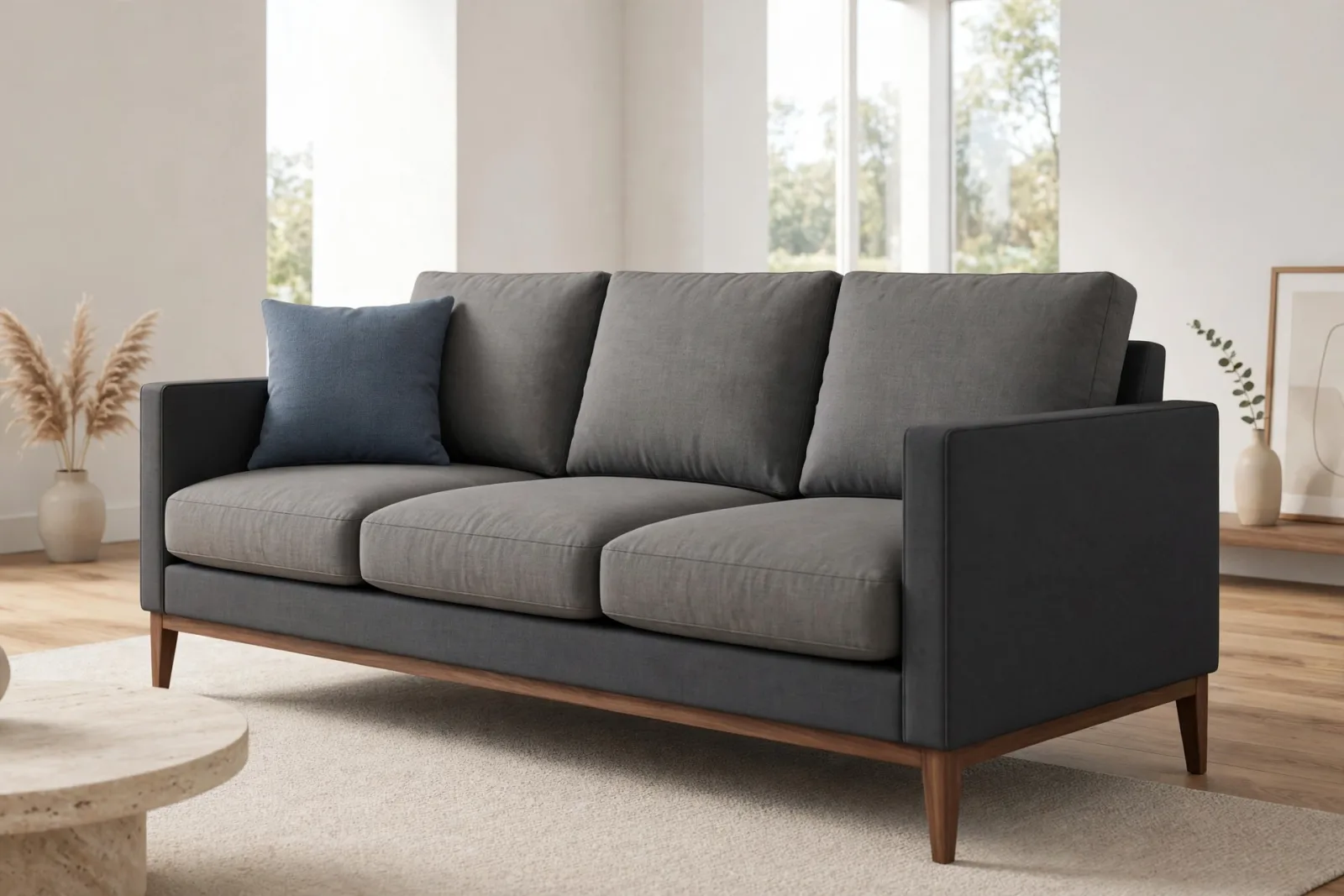
A modern sofa SketchUp model can make or break a living room render. The sofa is usually the largest piece of furniture in the room, the first thing the eye lands on, and the piece clients judge most. Pick the wrong model and the whole scene feels off, even if everything else is right. Pick the right one and the room suddenly looks finished, balanced, and ready to present.
This guide shows you how to choose a modern sofa SketchUp model, size it correctly, place it in the room, and style around it so your renders look like a real interior, not a catalog page.
What Makes a Sofa Model Modern
Modern sofas share a few clear traits, and a good model should show all of them. Look for clean straight lines instead of rolled arms and heavy carving. Look for low profiles, slim legs, and simple geometric cushions. Modern design is about restraint, so a model loaded with buttons, frills, and ornate trim is not modern, no matter what the file name says.
Check the model before you commit to it. Open it in a separate SketchUp file first and orbit around it. The back should look as finished as the front, because clients often see the sofa from behind in open plan layouts. The seat cushions should be separate groups or components so you can adjust them, and the legs should be real geometry, not a flat texture painted onto a box.
Keep the polygon count in mind too. A sofa with overstuffed cushions and deep tufting can carry hundreds of thousands of faces, which slows a full living room scene. A clean modern sofa with simple cushions usually stays light and fast.
Pick the Right Size Before You Fall in Love with a Style
The most common sofa mistake is scale. A sofa that looks perfect in a thumbnail can overwhelm a small room or get lost in a large one. Always measure the room first, then choose the sofa.
Use these practical rules as a starting point:
- Standard 3-seat sofa: about 200 to 220 cm wide, 90 to 100 cm deep. Fits most living rooms and pairs well with a coffee table and two chairs.
- Two-seat sofa: about 150 to 180 cm wide. A good choice for apartments, small lounges, and bedrooms.
- L-shaped sectional: about 260 to 320 cm along the long side. Needs a larger room, but it seats more people and defines an open plan space.
- Walkways: leave at least 75 cm of clear space behind and beside the sofa so people can move around it without squeezing past.
- Coffee table gap: keep 35 to 45 cm between the sofa front and the coffee table, close enough to reach a drink, far enough to walk past.
When you import a sofa model, check its real dimensions with the Tape Measure tool before you place it. Some free models are built at the wrong scale, and a sofa that is 20 percent too big will throw off every other piece in the room.
Three-Seat Sofa or Sectional: Which One Fits the Room
A classic three-seat sofa is the safe choice for most rooms. It anchors one wall, leaves the rest of the layout open, and works with almost any chair or table combination. The Modern 3-Seat Sofa 3D model is a good example, with clean lines, a low profile, and proportions that sit naturally against a wall or floating in the middle of a room.
A sectional does more work in a large or open plan room. It seats five or six people, creates a clear boundary between the living area and the dining area, and gives the room a relaxed lounge feel. The L-Shaped Sectional Sofa 3D model shows this well, with a long chaise side that invites people to stretch out and a shape that defines the seating zone without a wall.
Choose a sectional when the room is at least 4 meters wide and the sofa will define the space. Choose a three-seat sofa when the room is smaller, when you want flexibility to rearrange, or when the layout already has a clear focal point like a fireplace or a TV wall. If you are unsure, model both options in the same file on separate tags and switch between them to show the client.
Materials That Render Well
A modern sofa lives or dies by its fabric. In SketchUp, the material you apply decides whether the render looks soft and inviting or flat and plastic. Solid colors with a slight texture read best. Very dark fabrics can go muddy in renders, and pure white can blow out under bright light, so mid-tone greys, warm beige, muted green, and soft blue are safe starting points.
For V-Ray or Enscape, use a fabric material with a subtle bump or roughness map instead of a flat color. Even a light noise texture adds the tiny surface variation that makes upholstery look real. Keep the scale of the texture small so the weave reads at sofa size. Avoid high-gloss materials on sofas, since real fabric is matte.
Placing the Sofa in the Room
Placement is where good models become good rooms. Start with the focal point. In most living rooms the sofa faces the TV, the fireplace, or the best view, so place it on that axis first and build the rest of the seating around it.
Floating the sofa away from the wall often looks better than pushing it flat against one. A gap of 10 to 15 cm behind the sofa creates a shadow line that adds depth, and in larger rooms a floating sofa with a console table behind it feels intentional rather than accidental. In small rooms, keep the sofa against the longest wall to save floor space, and use the saved space for a side table or a floor lamp.
Once the sofa is placed, add the pieces that make it look lived in. A wooden coffee table in front of the sofa gives the seating area a center, and a matching accent armchair across from it completes the conversation zone. Keep the rug under the front legs of the sofa so the furniture reads as one group rather than separate pieces scattered on the floor.
Style the Whole Scene, Not Just the Sofa
A sofa alone does not make a living room. Clients judge the whole scene, so build the full picture around your sofa model. The fastest way to do that is to start from a complete room set instead of collecting single pieces one by one. The Complete Living Room Set 3D model includes the sofa, chairs, tables, and decor in matching proportions, which saves hours of hunting for pieces that fit together.
When styling, follow a simple layering order. First the large pieces, sofa, chairs, and tables. Then the soft layers, rug, cushions, and throws, which add color and comfort. Then the lighting, a floor lamp beside the sofa and a table lamp on the side table, which warms the scene and gives the render depth. Finally the small decor, books, a vase, or wall art, which makes the room feel occupied rather than staged.
Common Mistakes to Avoid
- Mixing styles: a modern sofa next to a baroque coffee table and a rustic bookshelf fights itself. Keep the style language consistent across the room.
- Ignoring the back: in open plan rooms the back of the sofa is visible, so a model with an unfinished back will ruin the view from the kitchen or dining area.
- Too many cushions: six or seven cushions on a three-seat sofa look cluttered. Three or four is enough, and it renders cleaner.
- Wrong scale decor: a tiny coffee table in front of a large sectional looks lost. The coffee table should be about two thirds the width of the sofa.
- Heavy models: downloading the most detailed sofa you can find is tempting, but a heavy model slows the whole file. Choose the lightest model that still looks good at render distance.
Where to Find Reliable Sofa Models
Free model libraries are full of sofas, but quality varies wildly. Many free models have reversed faces, broken materials, or the wrong scale, and fixing them costs more time than the model saves. Curated collections are worth it when the model needs to work the first time, because the geometry is cleaned, the scale is correct, and the materials are render-ready.
Browse the Furniture category to compare sofa models side by side with the chairs, tables, and storage pieces that go with them. Choosing pieces from one collection keeps the style consistent and the proportions matched.
FAQ
What size modern sofa SketchUp model should I use for a small living room?
For a small living room, start with a two-seat sofa around 150 to 180 cm wide, or a compact three-seat sofa no wider than 200 cm. Leave at least 75 cm of walkway space around it and keep the coffee table gap at 35 to 45 cm. A slim-legged modern sofa with a low back also makes a small room feel larger because more wall and floor stay visible.
How do I make a sofa model look realistic in a V-Ray or Enscape render?
Apply a fabric material with a subtle bump or roughness map instead of a flat color, keep the fabric matte, and use mid-tone colors that hold detail under bright light. Give the legs a different material, such as wood or matte black metal, and add soft furnishings like cushions and a rug in matching tones. Good lighting matters as much as the material, so add a floor lamp or warm ceiling light to the scene.
Should I use a sectional sofa or a three-seat sofa in my SketchUp model?
Use a sectional when the room is at least 4 meters wide and you want the sofa to define the living zone in an open plan space. Use a three-seat sofa when the room is smaller, when you want the freedom to rearrange, or when the layout already has a clear focal point like a fireplace or TV wall. When in doubt, model both on separate tags and let the client compare them.
Quick answer
In short: Learn how to pick the right modern sofa SketchUp model, size it for your room, place it well, and render it so your living room looks designed, not assembled.
Frequently Asked Questions
Where can I download free SketchUp models?
What file formats do SketchUp Collection models use?
Can I use SketchUp Collection models in commercial projects?
Which SketchUp version do I need?
Written by
Admin User
Related Articles
Keep learning with these posts
Does Enscape Render Directly Inside Revit and SketchUp?
Yes. Enscape is a real-time plugin that renders directly inside Revit and SketchUp, with no export step. Here is how it works in each program and what you need.
Read article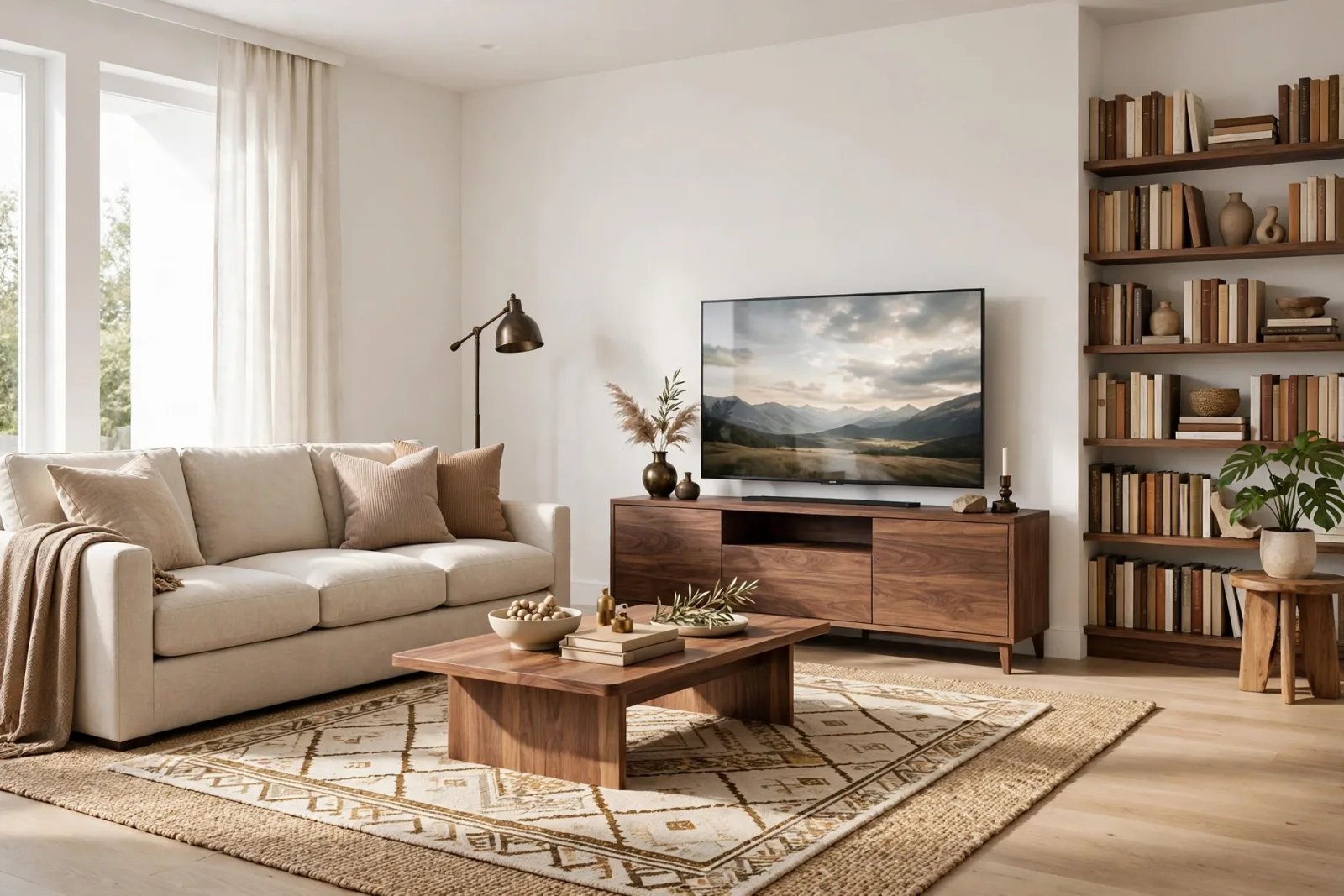
SketchUp Textures Guide: Materials vs Model Detail
Textures or geometry? This SketchUp textures guide shows when a material does the job, when real edges are needed, and how to balance both for faster, realistic renders.
Read article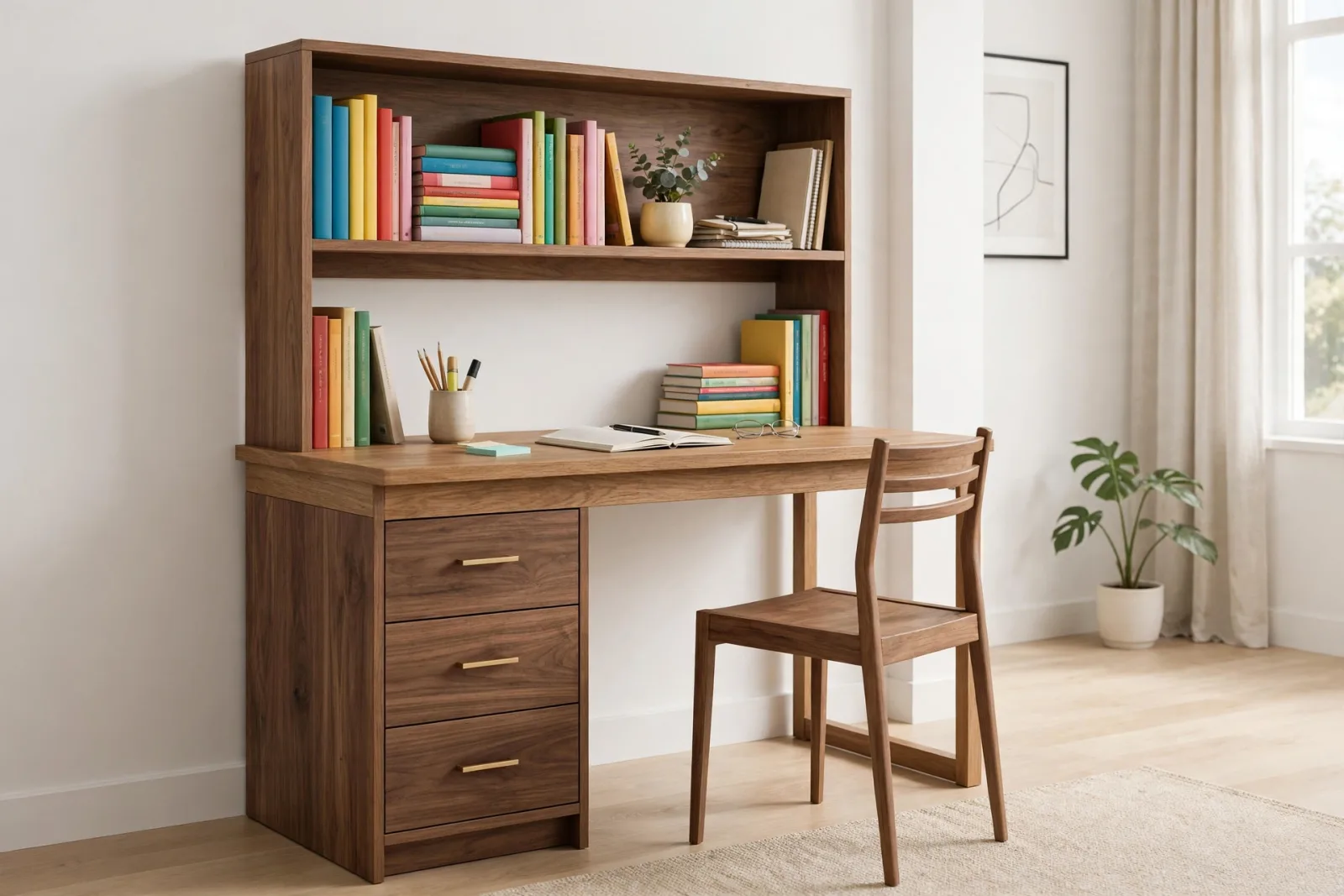
SketchUp Models for Students: Free and Budget-Friendly Options That Actually Work
Free and budget SketchUp models for students: clean, render-ready furniture, how to keep files light on a laptop, and a starter kit for under $50.
Read article