SketchUp Living Room Models: A Complete Guide to Furnishing Stylish Interiors
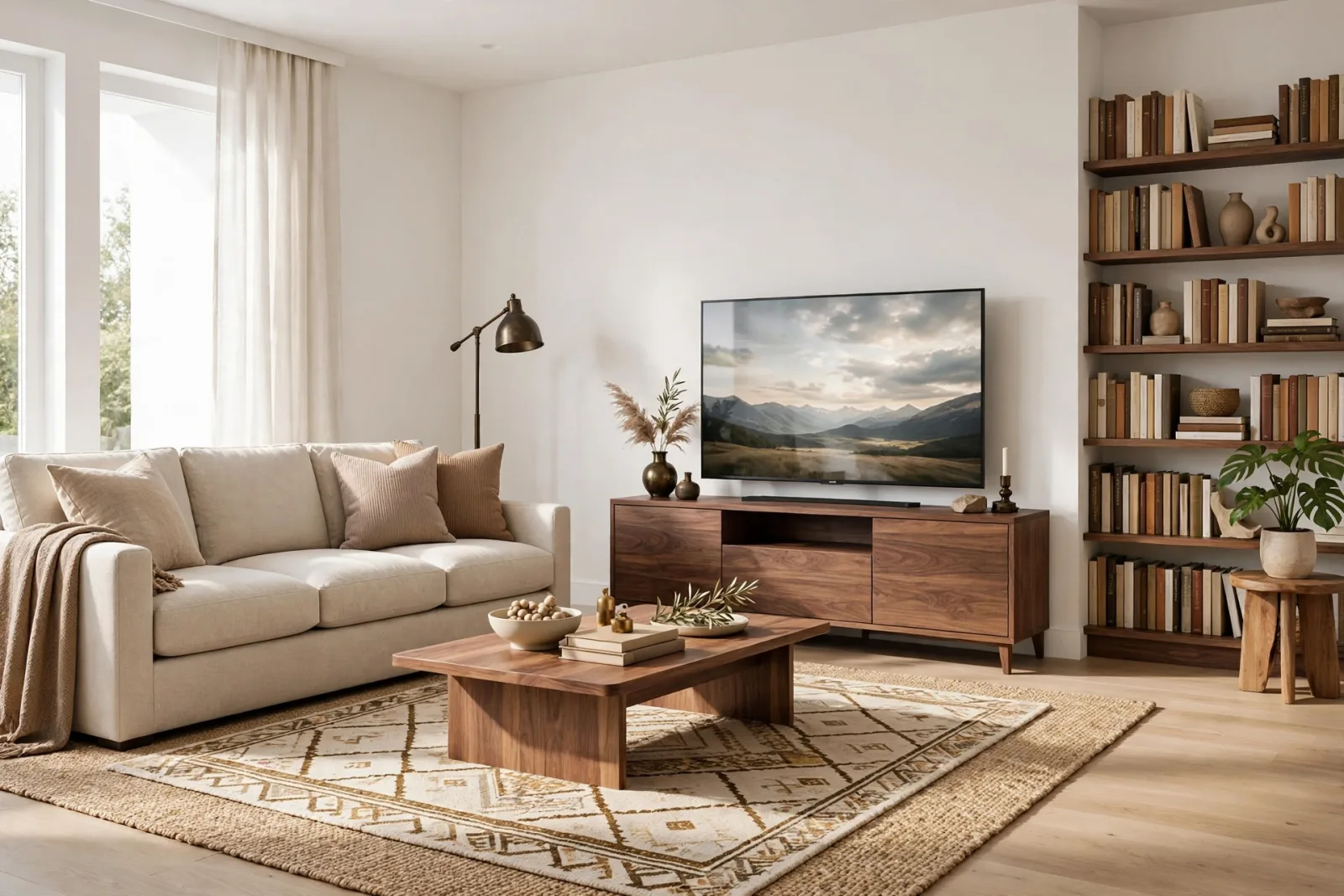
A living room is the room clients look at longest in a render. It is also the room that eats the most modeling hours, because it carries the sofa, the seating group, the TV wall, the rug, the lighting and all the small decor that makes a space feel finished. Good SketchUp living room models save you that time. Instead of building every cushion, leg and lampshade by hand, you drop in a tested, clean model and move straight to composition, materials and lighting.
This guide walks through the living room pieces that matter most, what to look for in each one before you download anything, and how to arrange them in SketchUp so your scenes look like a designer furnished them rather than a catalog page thrown together.
The core pieces every living room model set needs
Most living rooms are built from the same short list of furniture. If a model collection covers these, you can furnish a full scene without hunting through ten different libraries.
Sofas and sectionals
The sofa is the anchor of the room and the single model clients notice first. A good sofa model has a realistic seat-back curve, seams that read well in a render, and legs modeled as actual geometry rather than painted on. For open-plan layouts, an L-shaped sectional fills a corner beautifully; the L-shaped sectional sofa in our collection is proportioned for real apartment layouts, so it fits spaces you would actually design. For smaller rooms, a straight three-seater like our modern 3-seat sofa keeps the floor plan breathable while still anchoring the conversation zone.
Before you use any sofa model, check two things. First, component nesting: cushions should be separate components so you can rotate or swap them. Second, polygon count: a sofa rendered at 200,000 faces will drag every camera move. The models in our furniture collection are built to render cleanly without that bloat.
Coffee tables and side tables
Coffee tables are the styling platform of a living room render: books, a tray, a small plant, a candle. A simple wooden coffee table with a clean top gives you that surface without competing with the sofa. Keep the geometry simple here. Coffee tables sit at render-camera distance, and thin metal frames or glass tops can produce odd reflections if the faces are reversed. If you ever see a table looking inside-out in a render, select it, right-click and reverse the faces before you chase any material setting.
Side tables do the same job at a smaller scale next to armchairs and sofa ends. A matching side table pair keeps the set consistent, which is half of what makes a staged room feel designed.
TV units and media consoles
The TV wall is the second focal point of most living rooms. A low, long TV media console grounds a big screen and gives you cabinet fronts and open shelving to style. The wall behind it is where a render earns its money: a framed gallery wall, a wood-slat panel, or a simple painted accent. Whichever direction you take, size the console to the TV. A 55-inch screen wants a console at least 120 cm wide, and the classic proportion rule is that the TV should be slightly narrower than the furniture beneath it.
Rugs, curtains and lighting
These are the pieces that separate a staged room from a furniture showroom. A rug zones the seating area and fixes the classic floating-furniture look. The rug and decor set includes a rug sized for a standard sofa group plus small accessories that give you instant styling. The sizing rule clients expect: the front legs of the sofa and chairs should sit on the rug. Anything smaller reads as a doormat.
Curtains soften the window wall and add the vertical layer every living room needs. Our interiors collection includes window dressing models that are simple enough to keep your file light. For lighting, a floor lamp in the reading corner does double duty: it fills the dark spot opposite the TV and gives you a practical-looking light source in renders. The modern floor lamp is a good example of the right weight for a living room scene, detailed enough to hold a close-up, light enough to copy twice.
How to judge a living room model before you commit to it
Not every model deserves a place in your library. Run through this quick checklist before a living room model goes into a client project:
- Real dimensions: a three-seat sofa should measure roughly 200 to 220 cm long. Models built without reference dimensions will betray you at layout time.
- Clean component structure: cushions, legs, frames and loose items as separate components. This is what lets you restyle the same model for three different clients.
- Purge-friendly weight: import the model into an empty file, run Window, Model Info, Statistics, and purge. If it drops 30 percent of its faces, it was carrying junk. Quality collections ship purged.
- Material-ready faces: white or clean materials, all front faces out. You want to assign V-Ray or Enscape materials yourself, not fight someone else's baked-in textures.
- Render-tested silhouettes: the model should look right at the camera distance you actually render from. Test it once at a normal eye-level view, not zoomed in on a seam.
Laying out a living room in SketchUp, the practical order
Work in layers so you can orbit and adjust at every stage. Start with the architecture: walls, window openings, floor. Then the rug, because the rug decides the conversation zone. Place the sofa facing the focal point, usually the TV wall or a fireplace, then the chairs and side tables around it. The coffee table lands last in the center, about 35 to 45 cm from the sofa edge, close enough to reach, far enough to walk around.
Keep one scene tab for the layout camera and another for the render view. When the client asks for the sofa two meters to the left, you tweak the layout tab without touching the render camera. This single habit has saved more redesign hours than any plugin.
For a complete project, a matched set removes the guesswork entirely. Our complete living room set bundles the sofa group, tables, media console, rug and decor in one coordinated collection, so everything shares the same style language and scale. Building a full room from a matched set typically takes under an hour from empty walls to render-ready.
File performance: keep the living room fast
Living rooms are the heaviest rooms to model because they hold the most objects. Three rules keep the file moving:
- Make everything a component, then purge: after furnishing, run Purge Unused. Test it on a copy first so you never lose an in-use material.
- Use 2D stand-ins for people: a full 3D person model can cost you more faces than the entire sofa group. For living room scenes, low-poly or 2D cutout figures read fine.
- Proxy the repeats: if you use the same plant or chair five times, keep one as a light component in the working file and swap in the detailed version only at render time.
Frequently asked questions
Where can I find living room furniture models for SketchUp?
You have two main routes. The 3D Warehouse has free options, but quality varies wildly and many models arrive unpurged with broken faces. Curated collections like our furniture category ship cleaned, correctly scaled and render-ready, which pays for itself the first time you skip a cleanup hour. For a whole room at once, the complete living room set covers everything in one download.
What scale should SketchUp living room models be?
Always work at 1:1 real-world scale. A standard sofa is about 210 cm long and 90 cm deep, a coffee table is 100 to 120 cm long, and seat height is roughly 45 cm. Models built to these dimensions drop into your floor plan without rescaling, which is one of the first things to check on any model you download.
How do I keep SketchUp fast when furnishing a full living room?
Use components for everything, purge unused items before rendering, and keep high-poly detail only on hero pieces like the sofa. Move repeating decor into proxies or lighter duplicates, and render from a saved scene tab so you are not orbiting a heavy model while you set up lights and materials.
Written by
Admin User
Related Articles
Keep learning with these posts
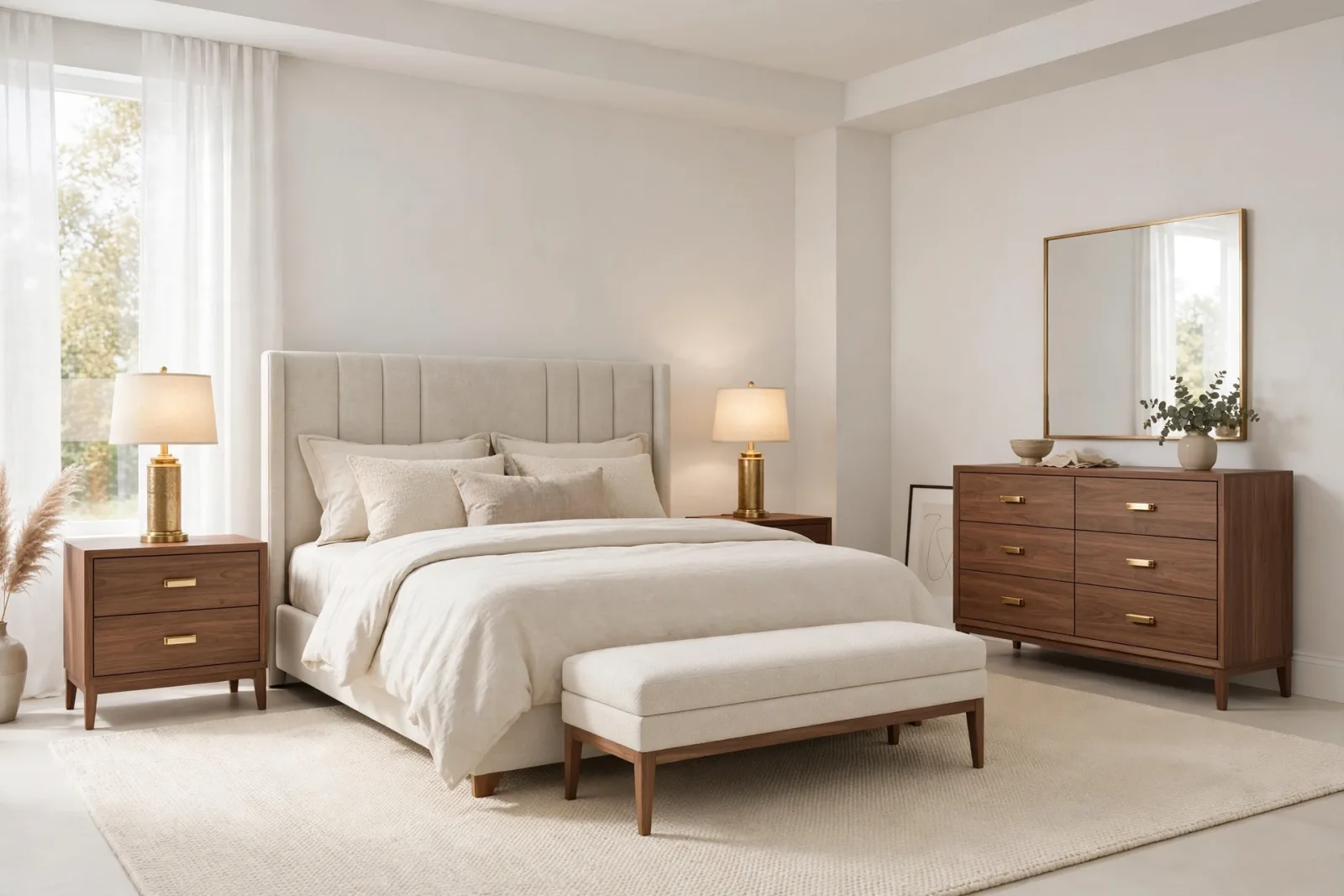
SketchUp Bedroom Models: Build Render-Ready Bedrooms Faster
A practical guide to SketchUp bedroom models: which beds, wardrobes and nightstands render well, plus a workflow for building complete bedroom scenes that stay fast.
Read article
Best SketchUp Furniture Models: A Practical Guide to Furnishing Interiors Fast
What makes a SketchUp furniture model worth using: real scale, sane face counts, named parts and render-ready materials, plus the categories that cover most interiors.
Read article
Free SketchUp Models: Download 3D Models for Interiors, No Catch
Free SketchUp models that are actually usable: correct scale, low face counts, named parts and a commercial license. Six store models at /bin/bash, instant download, no checkout.
Read article