SketchUp Lamps and Lighting Models: How to Choose Fixtures That Render Beautifully
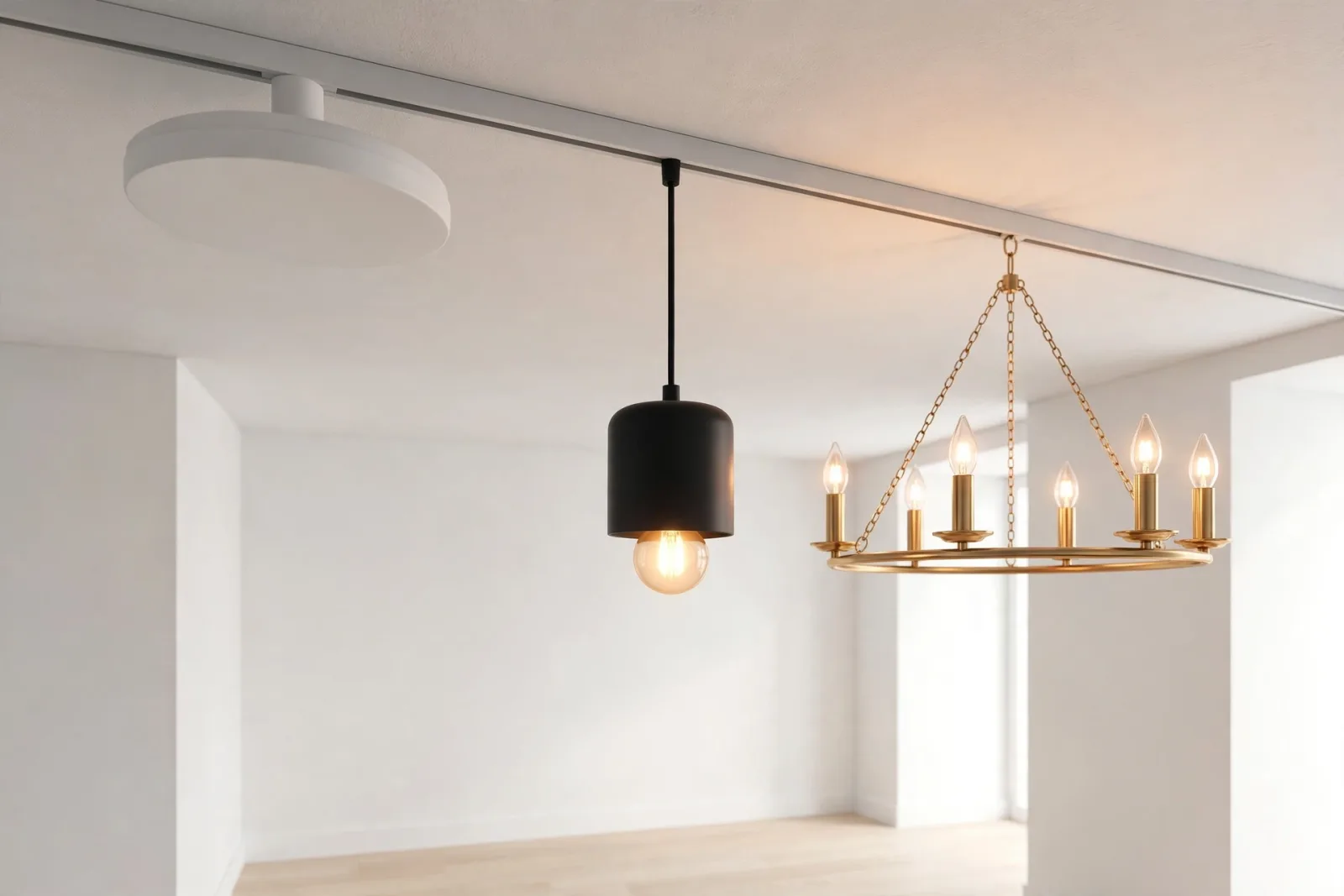
Lighting is the difference between a SketchUp scene that looks flat and one that feels like a real room. You can model perfect furniture and choose beautiful materials, and still end up with a dull render if the lamps are wrong. Good SketchUp lamps and lighting models do more than fill a corner. They set the mood, guide the eye, and give your renderer something believable to work with. This guide explains how to choose lighting fixtures for SketchUp, what makes a fixture render-ready, and how to place lamps so your interiors look designed rather than decorated as an afterthought.
Most beginners treat lighting as the last step. Experienced visualizers plan it early, alongside furniture layout, deciding where ceiling fixtures go, which corners need a floor lamp, and where a table lamp will create a warm pool of light.
What Makes a Lighting Fixture Model Render-Ready
Not every lamp model is worth using. A fixture can look fine in a thumbnail and still cause problems: bloated geometry, merged materials, or a scale that is subtly wrong. Before you add any fixture to a client project, check these five qualities.
1. Clean, Sensible Geometry
A good fixture uses enough geometry to read clearly at render distance, and no more. A lampshade needs smooth curves, not visible facets. Overly detailed models, with thousands of polygons in a screw head nobody will see, slow your file down for no visual gain. Look for models built as proper components, with tidy edges and no stray geometry inside the shade.
2. Separated Materials
This is the single most important quality in SketchUp lighting fixtures models. The shade, bulb, metal frame, cord, and base should each be a separate material. That separation lets you assign a warm emissive material to the bulb, brushed metal to the frame, and translucent fabric to the shade. If a model arrives as one merged material, you cannot tune it, and your renderer treats the whole lamp as a single flat object.
3. Correct Real-World Scale
Lamps are easy to get wrong on scale, because they are small objects in large rooms. A pendant hung too low over a dining table dominates the scene, and a floor lamp ten centimetres too tall looks awkward next to a sofa. Check height against a known reference, such as a door or chair seat. A standard floor lamp stands around 150 to 170 centimetres tall, a table lamp around 45 to 65 centimetres including its shade, and a dining pendant usually hangs 75 to 90 centimetres above the tabletop.
4. A Sensible Origin and Room for a Light
Well-built components insert at a logical point: the centre of the base for a floor or table lamp, and the ceiling mount for a pendant or ceiling fixture. This matters when you place matching fixtures in a row or swap one fixture for another. The model should also leave room inside the shade for a renderer light, with a visible bulb or diffuser, so the light appears to come from somewhere real rather than from nowhere.
Choosing Fixtures by Type
Different fixtures do different jobs. Mixing them well creates layered lighting, the technique designers use to make rooms feel warm and lived in. Aim for three layers in most rooms: ambient light for general brightness, task light for reading or working, and accent light for atmosphere.
Ceiling Fixtures for Ambient Light
Ceiling lights carry the ambient layer. In a living room or bedroom, a central fixture, or a set of matching fixtures, gives even base illumination so no corner falls completely dark. Prefer simple, clean shapes that suit the room style, and check that the fixture reads well from below, since that is the angle your camera will usually see. A matched ceiling lights set keeps the look consistent across rooms, which matters in open-plan spaces where several fixtures appear in one view.
Floor Lamps for Corners and Reading Spots
Floor lamps are the most flexible fixture in a scene. They fill dark corners, flank a sofa, and create reading zones without any wiring work in the model. Place one beside an armchair with its shade at roughly seated eye level, so light falls on the book rather than into the reader's eyes. A modern floor lamp with a simple silhouette works in most contemporary interiors, and its tall shape helps balance a composition full of low, horizontal furniture.
Table Lamps for Warmth and Scale
Table lamps do the quiet work of making a render feel warm. A small lamp on a side table or nightstand creates a pool of light that draws the eye and gives the camera a natural focal point. They are also excellent scale cues: viewers instantly judge room size from a lamp they recognise. Keep table lamps proportional to their surface. A lamp wider than its side table looks top-heavy, and a tiny lamp on a large console disappears. A classic ceramic table lamp pairs well with bedrooms, living rooms, and home offices alike.
Pendants and Task Lighting
Pendants suit kitchens and dining areas, where they define a zone over an island or table. Hang them in odd numbers, usually one, three, or five, with even spacing. Task lighting, such as a desk lamp, should be brighter and more focused than ambient light, because its job is function, not mood.
Materials That Make Fixtures Glow Convincingly
Once geometry is right, materials decide whether the fixture looks lit or merely light-coloured. Start with the bulb or diffuser: assign an emissive material with a warm colour temperature, around 2700K to 3000K for residential scenes, so the glow reads as inviting rather than clinical. Keep emissive strength moderate. An overblown white bulb blows out surrounding pixels and kills detail in the shade.
For shades, use materials that suggest translucency: a slightly emissive, warm-toned material inside a fabric shade, and a reflective, slightly transparent material for glass. Metal frames benefit from subtle roughness variation: perfectly smooth chrome looks computer-generated, while brushed brass or matte black reads as a real product. Test materials with a small, low-resolution crop of just the fixture before committing to a full render.
Placing Lights So the Render Works
- Place the fixture first, the light second. Position the model exactly where it will appear, then add the renderer light inside it, at the bulb position, so glow and geometry stay aligned.
- Use one real light per fixture, not one light for the whole room. A single central light flattens a scene. Separate lights per fixture create overlapping pools of light, soft shadows, and depth.
- Match light colour to the time of day. Warm interior lights against cool evening daylight through a window look natural. Warm lights against harsh midday sun look wrong, so dim interior fixtures in daytime scenes.
- Check shadows and heights. A floor lamp should cast a soft shadow from nearby furniture. Pendants over one table must hang at the same height, and floor lamps flanking a sofa must match. Small inconsistencies are surprisingly visible in renders.
Keeping File Size Under Control
Lighting fixtures are small, but a scene with twenty high-polygon lamps gets heavy fast. Use components, not groups, for repeated fixtures, so SketchUp stores the geometry once, and replace distant background fixtures with simpler versions. Apply the same discipline across the room: browse the full interiors collection with an eye on polygon count, not just appearance.
Common Lighting Mistakes to Avoid
- Floating fixtures. A pendant that does not touch the ceiling, or a table lamp hovering above its table, breaks realism instantly. Zoom in and check contact points.
- Every light at full brightness. Real rooms have bright and dim zones. Vary intensity so the scene has hierarchy, with the hero area brightest.
- Mixing too many fixture styles. One room can carry two fixture families, such as modern ceiling lights plus matching floor lamps. Five unrelated styles in one view look like a catalogue, not a home.
- Forgetting the switch-off test. Turn off all artificial lights and render once. If the room still glows, an emissive material or hidden light is leaking. Fix it before delivery.
Start With Fixtures You Can Test Free
If you are building your library, start with a fixture you can test without spending anything. The free assets collection includes lamps you can drop into a test scene and render before you buy a full set. Good lighting is not about owning the most fixtures. It is about choosing a few well-built ones, placing them with intent, and letting layered light do the work geometry alone cannot.
Frequently Asked Questions
Do SketchUp lamp models include actual lights?
No. A SketchUp model is geometry and materials only. You add the actual light source in your renderer, such as V-Ray or Enscape, placing it at the bulb position inside the fixture. Choose models with a visible bulb and separated materials, so the renderer light and the emissive bulb material work together convincingly.
How many lamps should a living room scene include?
Most living rooms need three layers: one ambient source, such as ceiling lights, plus one or two accent sources, such as a floor lamp and a table lamp. More fixtures are fine in large or open-plan rooms, but keep the style family consistent and vary brightness so one area leads the eye.
Why does my lamp look bright in SketchUp but dark in the render?
SketchUp shows materials, not rendered light. If the bulb material is not emissive in your renderer, or no renderer light sits inside the fixture, the lamp will render dark. Add a point or spot light at the bulb, give the bulb a warm emissive material, and run a small test render of just the fixture to confirm the glow before rendering the full scene.
Written by
Admin User
Related Articles
Keep learning with these posts
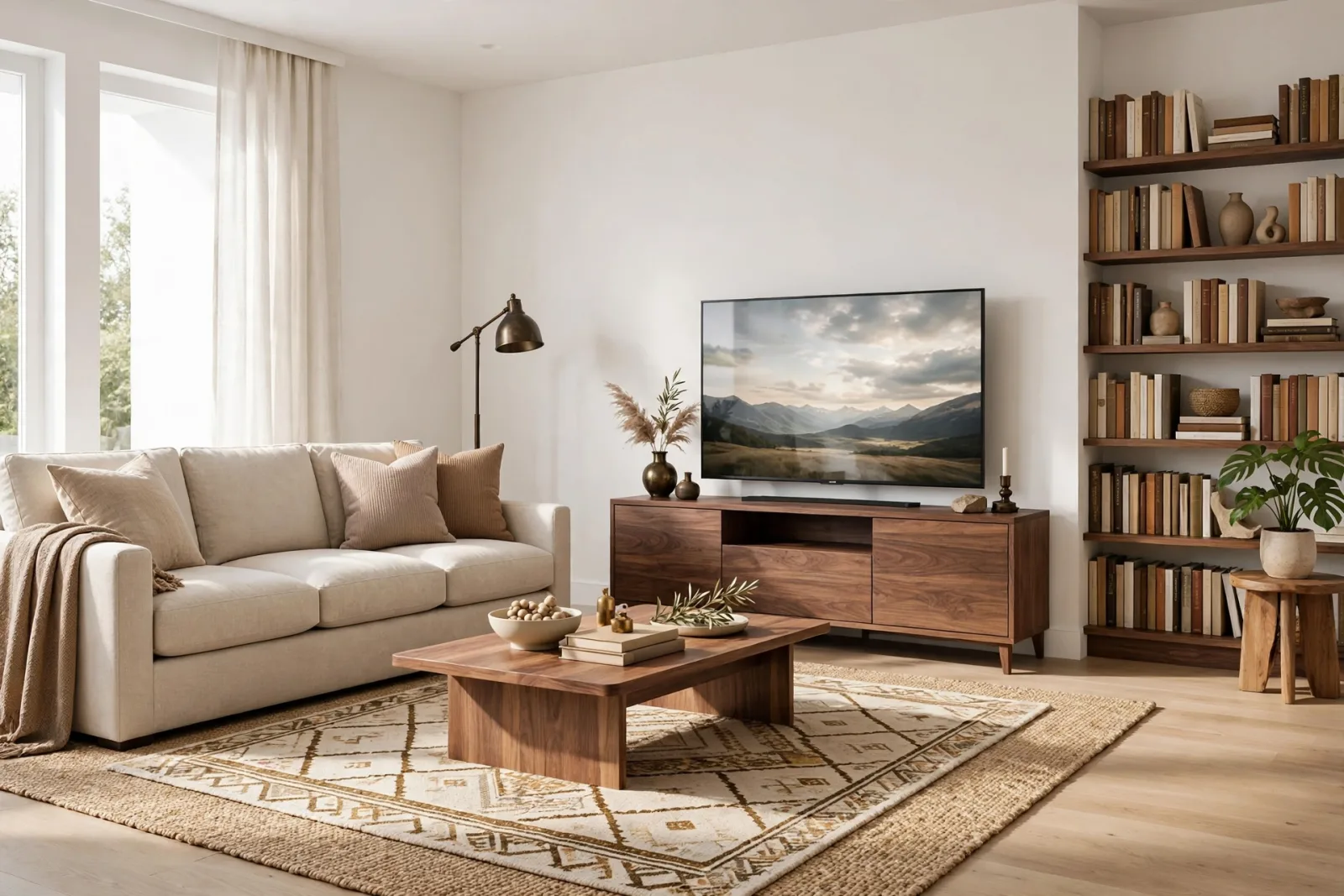
SketchUp People Models: 2D vs 3D Figures That Make Renders Feel Real
Learn when to use 2D or 3D SketchUp people models, how to place scale figures correctly, and how to avoid the mistakes that make renders look fake.
Read article
SketchUp Car Models: How to Choose, Place, and Render Vehicles in Exterior Scenes
Choose SketchUp car models that fit your scene and render cleanly. Scale, polygon count, materials, and placement tips for realistic exterior views.
Read article
SketchUp Plants and Trees Models: Greenery That Does Not Slow Your Model
Learn how to choose SketchUp plants and trees models that look great in renders without slowing your file down, from low-poly trees to smart placement tricks.
Read article