SketchUp Office Models: Furnish Workspaces That Look Ready to Work In
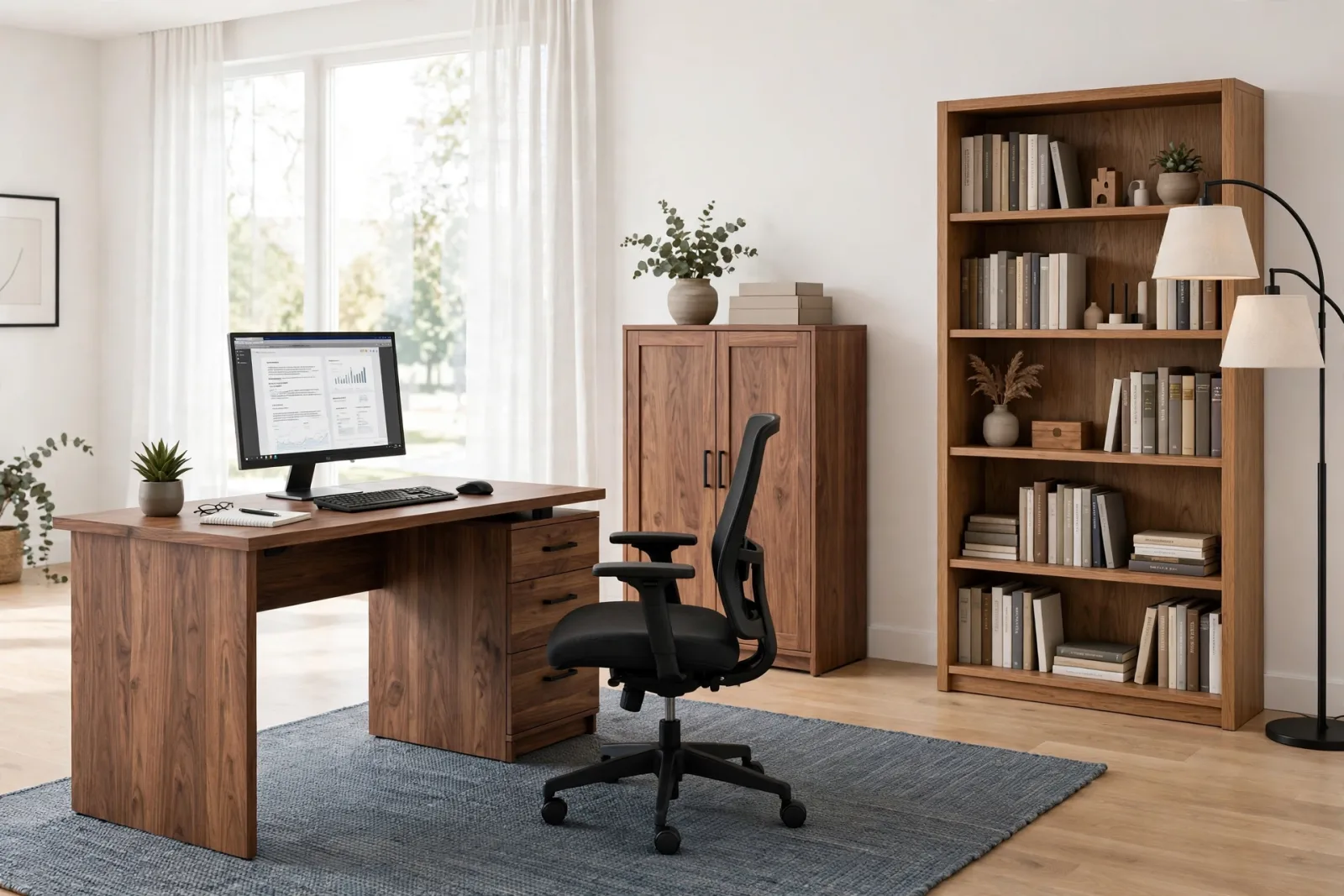
An office render is judged in the first few seconds, and the judgment is rarely about the walls. Clients look at the desk, the chair, the storage wall and the meeting corner, and they decide instantly whether the space feels like a place where real work happens. Good SketchUp office models are what make that judgment go your way. Instead of blocking out boxes and hoping the client imagines the rest, you drop in clean, correctly scaled furniture and move straight to layout, materials and lighting.
This guide walks through the office pieces that matter most, what to check in each model before it goes into a client file, and how to lay out a workspace in SketchUp so it reads as designed rather than dumped in. Whether you are furnishing a single home office or a full open-plan floor, the same rules apply.
The desk: the anchor of every office model set
Every office starts at the desk, and the desk model you choose sets the tone for the whole room. A good desk model has a realistic worktop thickness, legs or a pedestal that read as solid geometry, and sensible proportions: a standard single desk runs about 120 to 150 cm wide and 60 to 75 cm deep, with a worktop height near 73 cm. Anything far outside that range will look wrong the moment a chair and a monitor sit next to it.
Our office desk with drawers is a useful benchmark. It is a 60 by 30 inch oak desk with a three-drawer pedestal, a panel leg, a modesty panel, an under-desk cable tray and a cable grommet. Those last two details are the kind of thing a cheap model skips, and they are exactly what a client notices in a close render: a desk with nowhere for cables looks unfinished, even if the client cannot say why.
When you place a desk, leave about 90 cm of clear space behind the chair for someone to sit down and push back. In a home office, the desk usually faces the room or sits against a wall with a window to one side. In an open plan, desks pair back to back in runs, which is where a consistent model pays off: copy the same desk component down the run and the whole floor looks ordered.
The chair: small model, big credibility test
Chairs are the credibility test of an office scene. A bad chair model, one with a floating seat, a single-piece base or a backrest that meets the seat at an impossible angle, undermines an otherwise good render because every viewer knows what a chair should look like. A good chair model has a separate seat cushion, a backrest with a believable curve, armrests at a height that clears the desk, and a five-star base that actually touches the floor.
The office chair in our collection is built that way: charcoal seat and backrest, chrome lift stem, padded armrests and a five-star rolling base, at standard task-chair proportions. Because the parts are separate named components, you can rotate the chair slightly, tuck it under the desk, or angle it toward the camera, and it still reads as a real chair rather than a symbol of one.
Storage and shelving: the background that sells the room
Storage is the background layer of an office, but it does a surprising amount of the selling. A blank wall behind a desk reads as an empty render. A storage wall reads as a working office. The trick is choosing storage models that are detailed enough to hold a mid-distance view without carrying so much geometry that they slow the file.
For closed storage, the office storage cabinet is a solid choice: a tall two-door unit in white with oak doors, chrome bar handles and three interior shelves, sized for files, binders and supplies. Use it in pairs or runs along a wall to build a storage wall, and keep one unit near the desk for the everyday items a worker would actually reach for.
For open storage, a tall bookshelf does the same job with more visual interest: five shelves of books, a storage box and a dark back panel give the camera something to look at without any extra modeling on your side. Place bookshelves flanking a desk wall or at the end of a workstation run, and they double as space dividers in an open plan.
Keep storage models lightweight by checking their face count before you copy them ten times. A cabinet at a few hundred faces is fine. A cabinet at fifty thousand faces, repeated across a floor, is how a file becomes unusable. Purge unused geometry after importing, and you will rarely have a problem.
Meeting areas: the second room inside the office
Most offices contain a second, smaller room in spirit: the meeting area. It might be a dedicated conference room, a corner with a round table, or a long table in the middle of an open floor. Either way, it needs its own furniture logic, because a meeting table is not just a bigger desk.
A meeting table should seat people on both long sides with elbow room, which means about 60 cm of table edge per person and enough clearance behind each chair to stand up. Our meeting table for 6 is proportioned for exactly that: six seats, comfortable spacing, and a clean top that leaves room for laptops, notebooks and a coffee tray in the render. Surround it with the same task chairs as the desks and the whole office shares one visual language, which is what makes a set of models feel like a designed interior instead of a pile of downloads.
How to judge an office model before you commit to it
Not every office model deserves a place in your library. Run through this checklist before any model goes into a client project:
- Real dimensions: a desk should measure roughly 120 to 150 cm wide, a task chair about 60 cm wide, and a meeting table about 60 cm of edge per seat. Models built without reference dimensions will betray you at layout time.
- Clean component structure: desk top, drawers, chair seat, chair base and cabinet doors as separate components. This is what lets you restyle the same model for three different clients.
- Front faces out: reversed faces show up as dark or invisible surfaces in V-Ray and Enscape. Select the model, check the face orientation, and reverse any faces that face inward before you assign materials.
- Material-ready surfaces: white or clean materials, no baked-in textures you cannot remove. You want to assign your own wood, fabric and metal finishes, not fight someone else's.
- Lightweight geometry: import the model into an empty file, check the face count, and purge. If it drops a large share of its faces on purge, it was carrying junk. Quality collections ship purged.
Laying out an office in SketchUp, the practical order
Work in a fixed order so you can adjust at every stage. Start with the architecture: walls, window openings, floor finish and ceiling height. Then place the storage wall, because storage decides where the room's visual weight sits. Next come the desks, arranged in runs or facing the windows, with about 120 cm of circulation between desk rows. Chairs go in after the desks, each rotated slightly differently. The meeting area comes last, positioned where it gets daylight but does not block circulation.
Keep one scene tab for the layout camera, an overhead or three-quarter view you use while arranging, and another for the render view, the eye-level camera the client will see. When the client asks for the desk run moved a meter to the left, you adjust on the layout tab without touching the render camera. This single habit saves more redesign hours than any plugin.
For a complete project, a matched set removes the guesswork entirely. Our complete home office set bundles a walnut desk with a three-drawer pedestal, monitor and keyboard props, an adjustable-look office chair with armrests, a two-door storage cabinet, an oak bookshelf with 16 books, a floor lamp and a slate rug in one coordinated collection. Everything shares the same style language and scale, so a full home office goes from empty walls to render-ready in under an hour. If you need the pieces individually, the furniture collection carries the same models one at a time, so you can build a larger commercial floor from the same family.
File performance: keep the office fast
Offices are the heaviest rooms to model after living rooms, because they repeat the same furniture many times. Three rules keep the file moving:
- Make everything a component, then purge: after furnishing, run Purge Unused. Test it on a copy first so you never lose an in-use material.
- Copy components, not groups: ten copies of one chair component cost almost nothing extra. Ten copies pasted as unique groups cost ten times the geometry.
- Proxy the repeats: if the same chair appears twenty times in an open plan, keep a light version in the working file and swap in the detailed version only at render time.
Frequently asked questions
Where can I find office furniture models for SketchUp?
You have two main routes. The 3D Warehouse has free options, but quality varies wildly and many models arrive unpurged, oversized or with reversed faces. Curated collections like our furniture collection ship cleaned, correctly scaled and render-ready, which pays for itself the first time you skip a cleanup hour. For a whole room at once, the complete home office set covers everything in one download.
What scale should SketchUp office models be?
Always work at 1:1 real-world scale. A standard desk is about 120 to 150 cm wide and 73 cm high, a task chair is about 60 cm wide with a seat height near 45 cm, and a meeting table needs about 60 cm of edge per seat. Models built to these dimensions drop into your floor plan without rescaling, which is one of the first things to check on any model you download.
How do I keep SketchUp fast when furnishing a large office?
Use components for everything, purge unused items before rendering, and keep high-poly detail only on hero pieces like the desk nearest the camera. Copy components rather than groups so repeated chairs and desks share geometry, and render from a saved scene tab so you are not orbiting a heavy model while you set up lights and materials.
Written by
Admin User
Related Articles
Keep learning with these posts
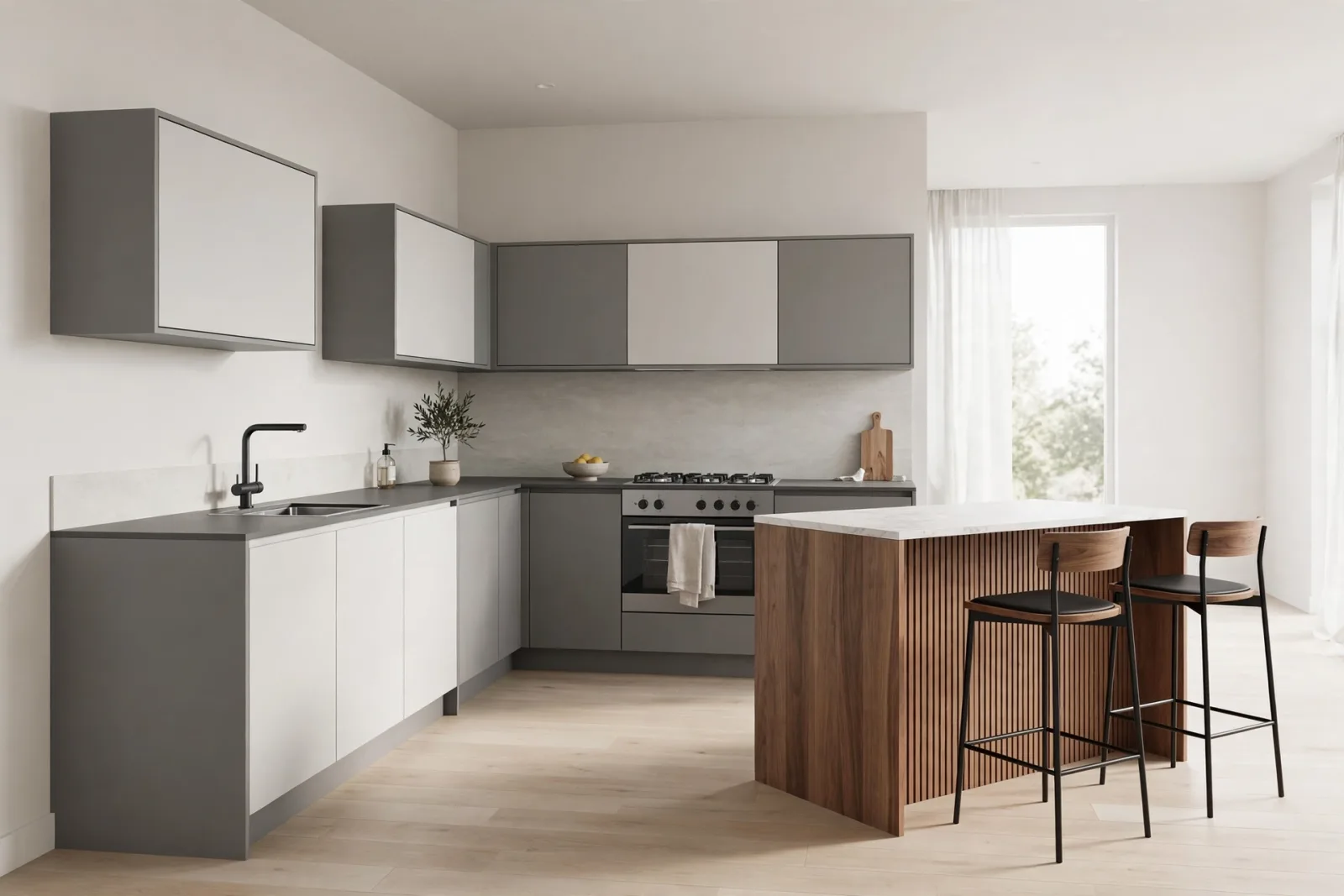
SketchUp Kitchen Models: Cabinets, Islands and Dining Sets That Render Well
A practical guide to picking SketchUp kitchen models that behave in the viewport and in V-Ray and Enscape: cabinets, islands, sinks, seating and layout tips.
Read article
SketchUp Living Room Models: A Complete Guide to Furnishing Stylish Interiors
The best SketchUp living room models for sofas, coffee tables, TV units, rugs and lighting. What to check before you download, plus layout and file-speed tips.
Read article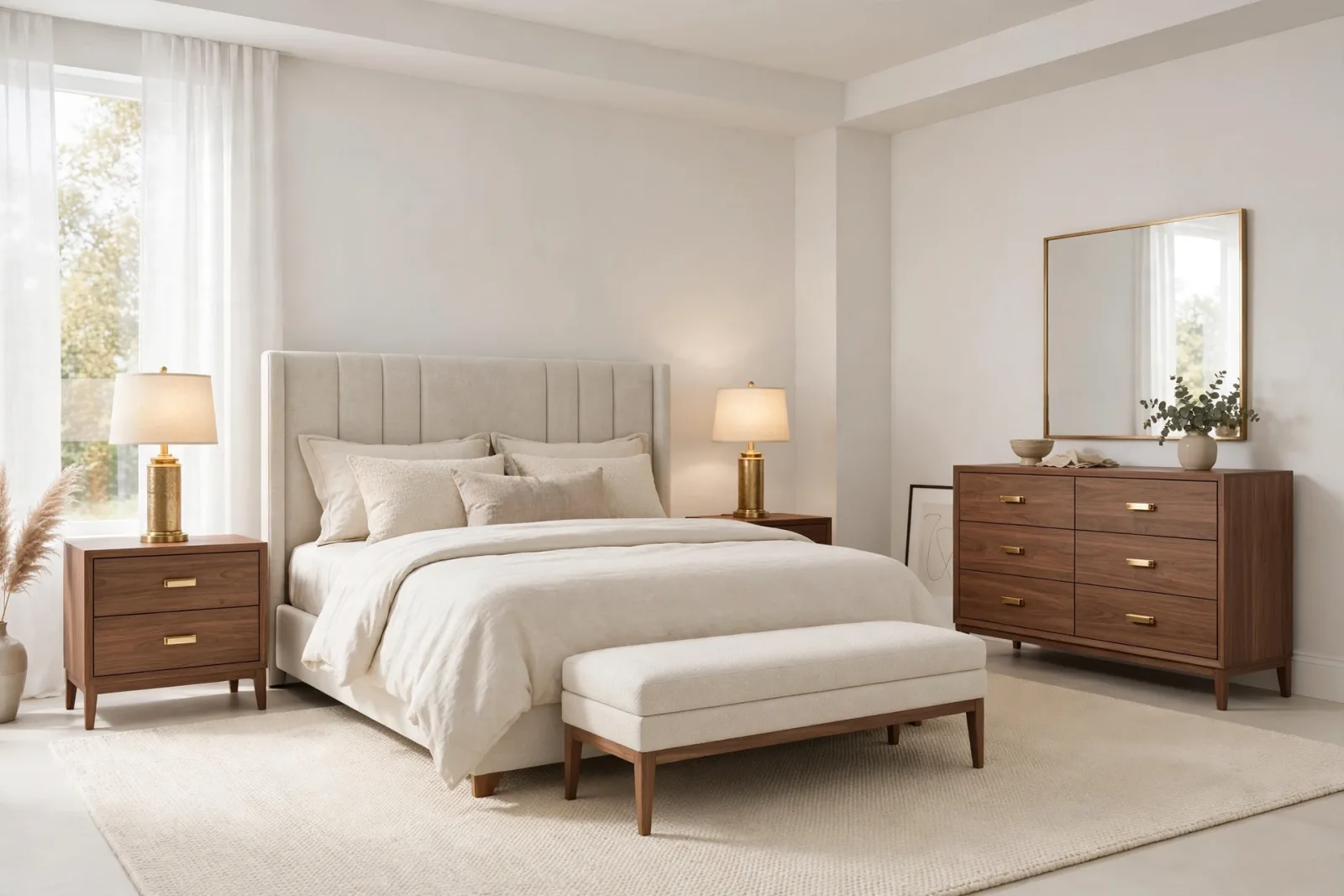
SketchUp Bedroom Models: Build Render-Ready Bedrooms Faster
A practical guide to SketchUp bedroom models: which beds, wardrobes and nightstands render well, plus a workflow for building complete bedroom scenes that stay fast.
Read article